CAD drawings on a phone
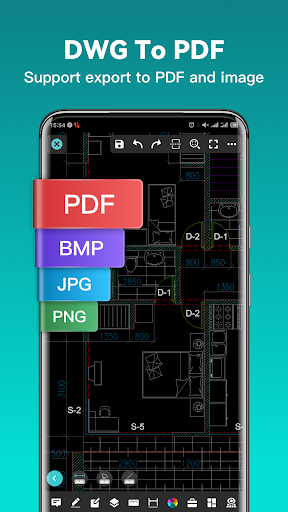
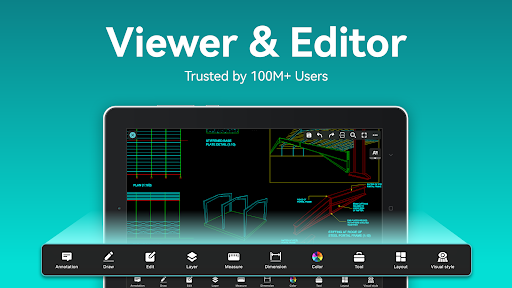
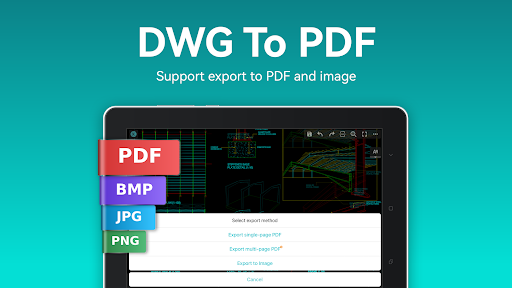
DWG FastView-CAD Viewer&Editor is a mobile tool for opening and working with CAD drawings. Its description lists viewing, editing, measuring and annotating, with support for DWG and DXF files. It is aimed at people who need to inspect or make changes to technical drawings away from a desktop, rather than anyone looking only for a general-purpose document viewer.
What the listing says it handles
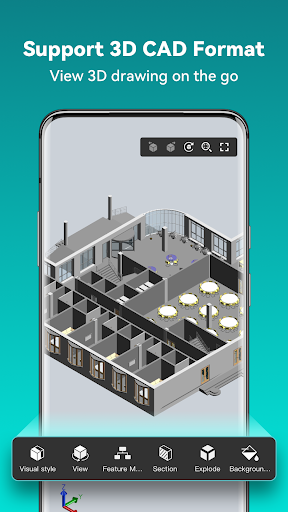
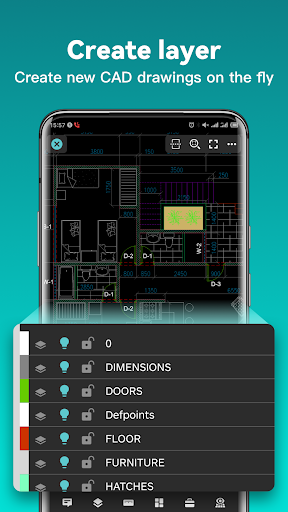
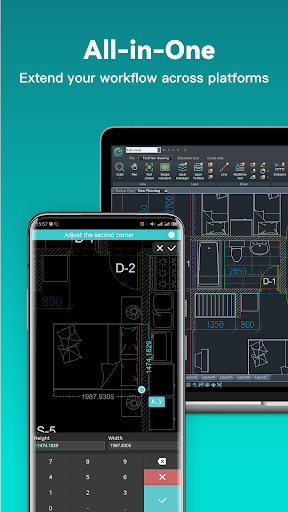
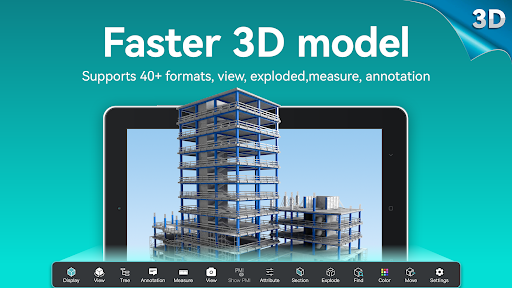
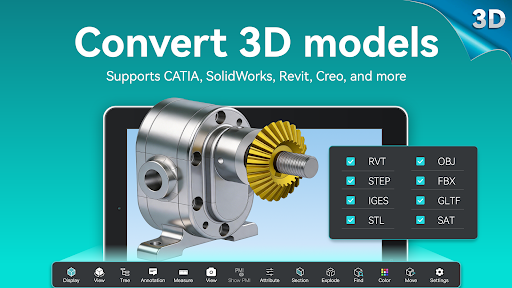
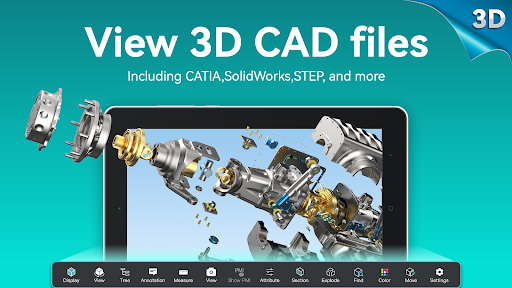
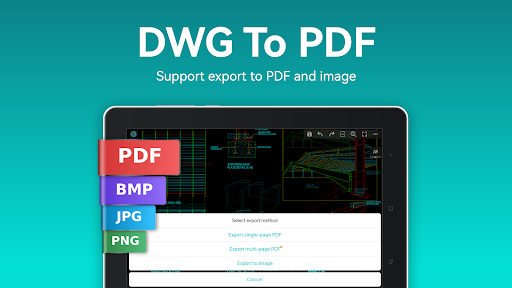
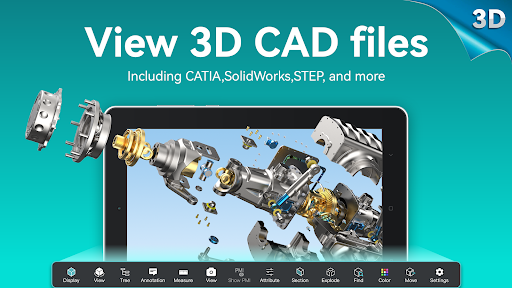
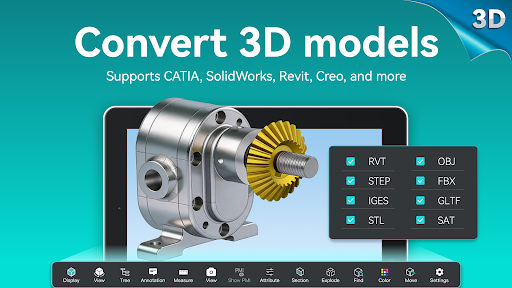
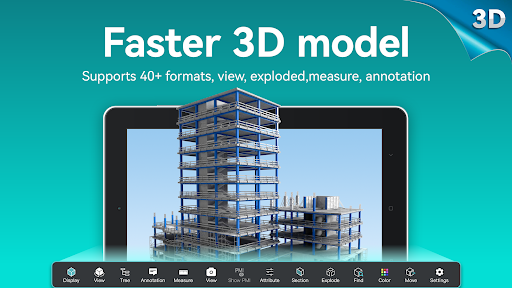
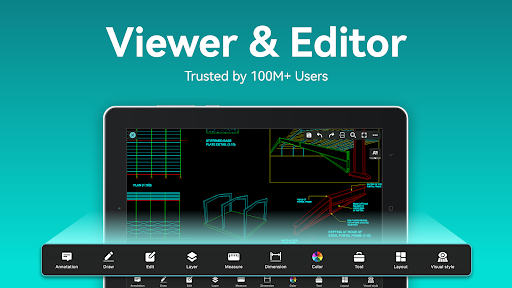
The description also advertises 3D model viewing, including files associated with formats such as Revit, SolidWorks and STEP. For 2D drawings, it lists tools for dimensions, layers, layouts, text search and object edits such as moving, copying and trimming. It says drawings can be used offline in local storage, while cloud services and network locations are available when connected. These are claims from the app’s public description, not results of a hands-on test.
Developer and reach
The developer is Gstarsoft Co., Ltd. The listing shows more than 10 million installs and a rating of 3.75 from 113,734 ratings. That is a substantial rating pool, though the score is an average: it does not show whether a particular editing tool or file type will work well for your needs.
Useful checks before relying on it
The app’s breadth may suit CAD users who want to review drawings, take measurements or make limited edits on a mobile device. If your work depends on a particular 3D format or a precise editing workflow, check that requirement against the app’s current listing before relying on it. The description names many supported formats and functions, but a long feature list alone does not establish how well each behaves in practice.